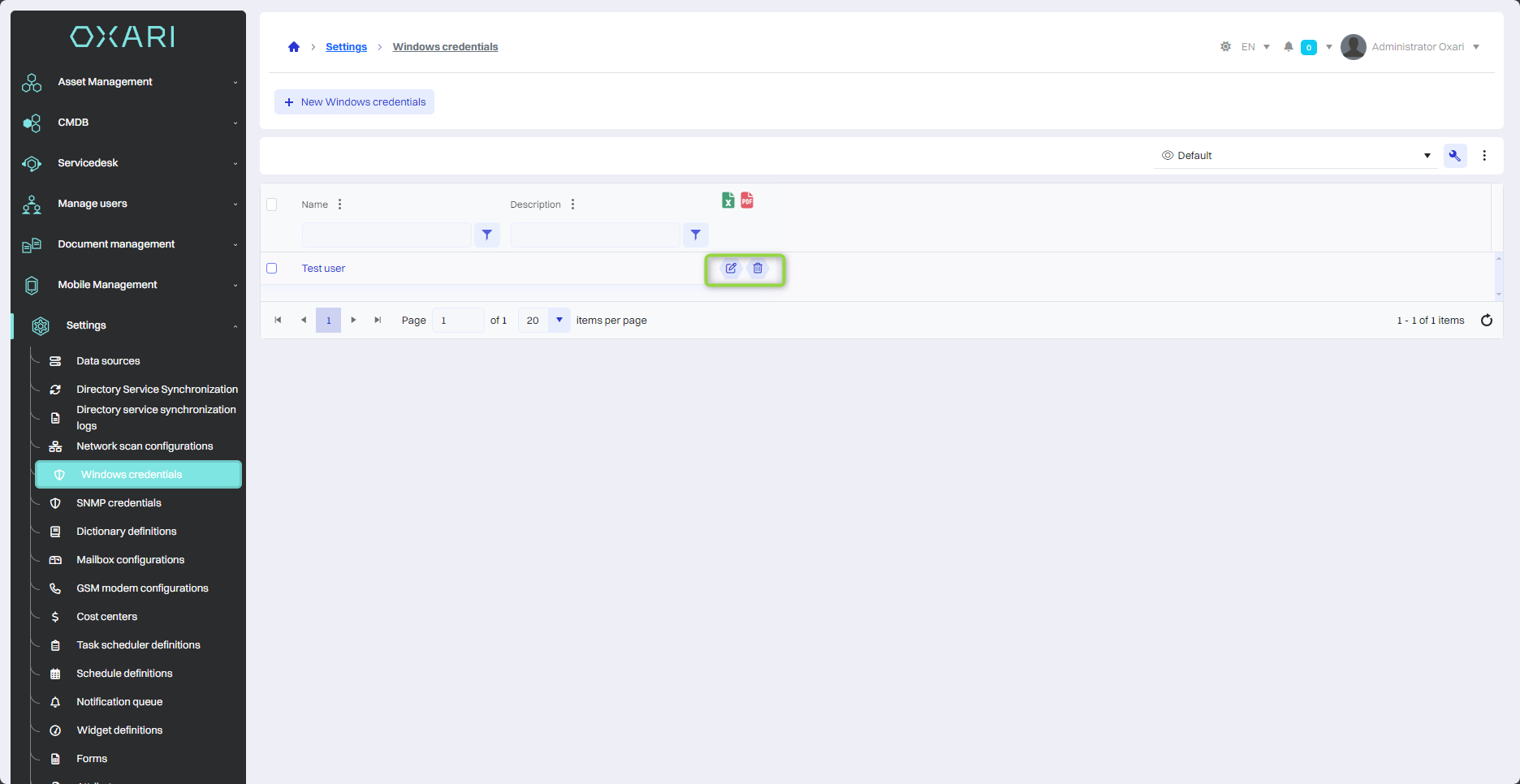
The credentials used by OXARI's network scanner play a key role in enabling access to devices running on the Windows operating system within a corporate network. They are necessary to authorize and authenticate the scanner so that it can securely connect to Windows devices. As a result, these credentials are essential to maintaining the security, performance and compliance of Windows systems in a network environment.
New Windows credentials
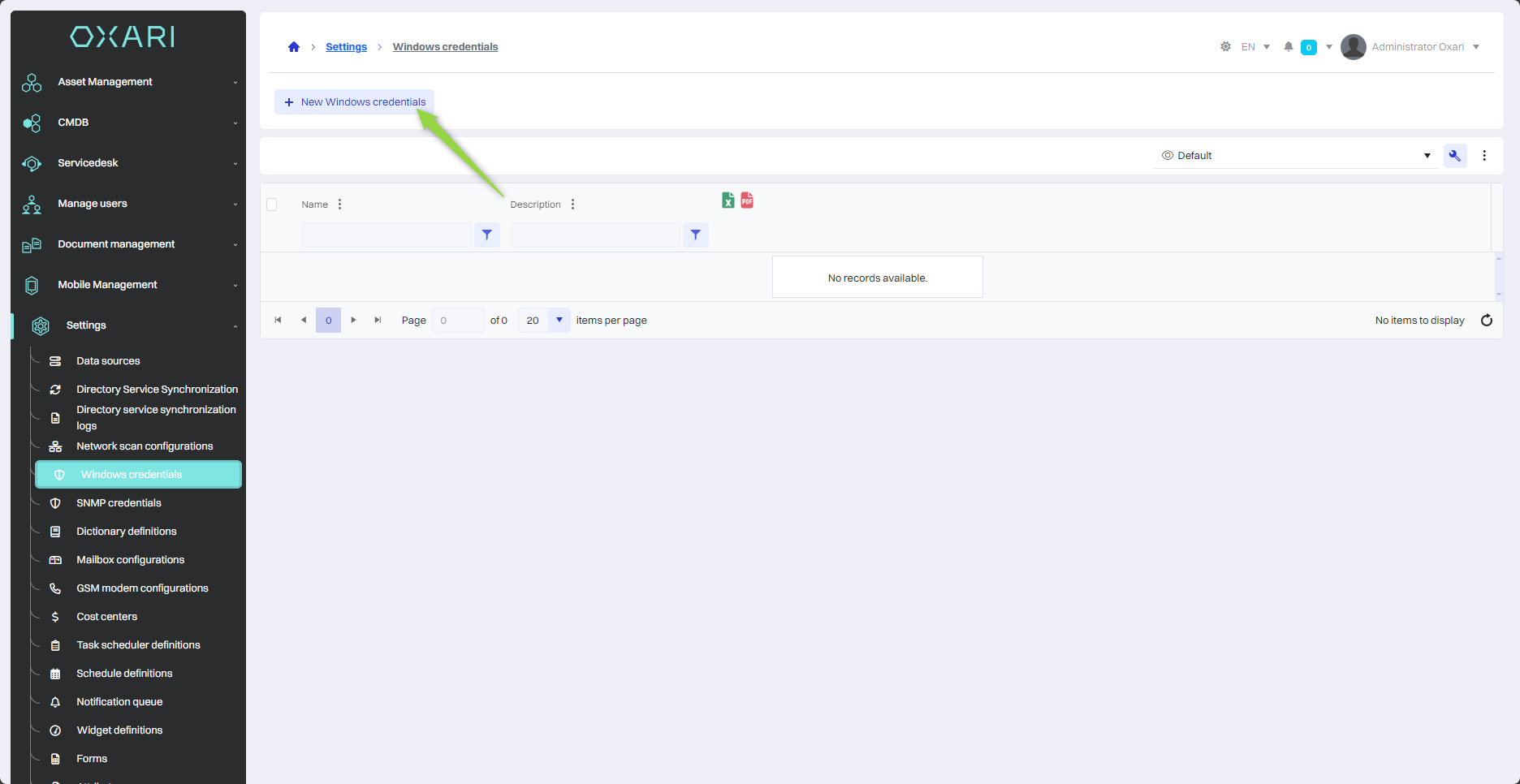
To add a new Windows credential, go to the section in question and then click the “New Windows credentials” button
Filling
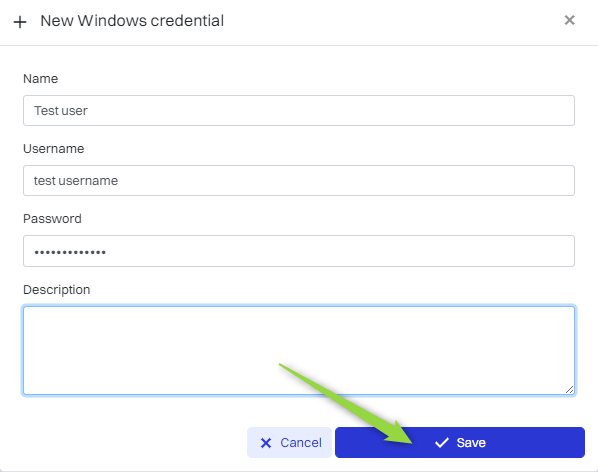
Then fill in the required fields and click the “Save” button.
|
1 |
Name - The name of the credential. |
|
2 |
Username - A user with administrator privileges. |
|
3 |
Password - Password. |
Edit/Delete
The Windows credential can be edited or deleted using the following buttons.