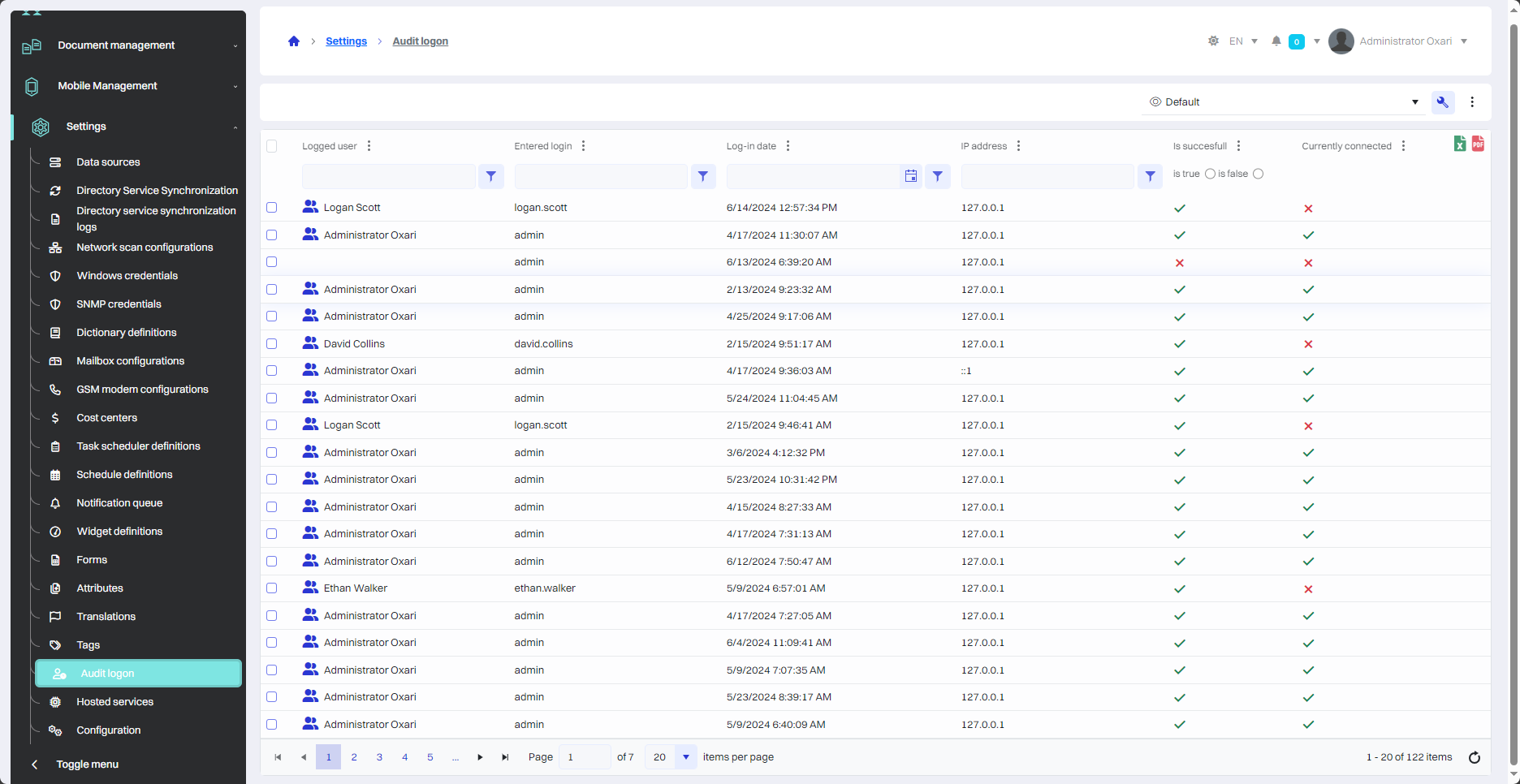
The OXARI System Login Audit Table is a key security and management tool for monitoring login activity, identifying unauthorized access attempts, login patterns and potential security threats.
The following is a description of the various columns in the OXARI login audit table.
|
1 |
The following is a description of the various columns in the OXARI login audit table. |
|
2 |
Entered login - Indicates the login that was used during the login attempt. |
|
3 |
Data logging - exact time, when the logging test had a place. |
|
4 |
IP address - The IP address from which the login attempt was made. |
|
5 |
Logged in successfully - This column shows whether the login attempt was successful (indicated by “✓”) or unsuccessful (indicated by “✕”). |
|
6 |
Currently connected - Indicates whether the user is currently logged into the system. |