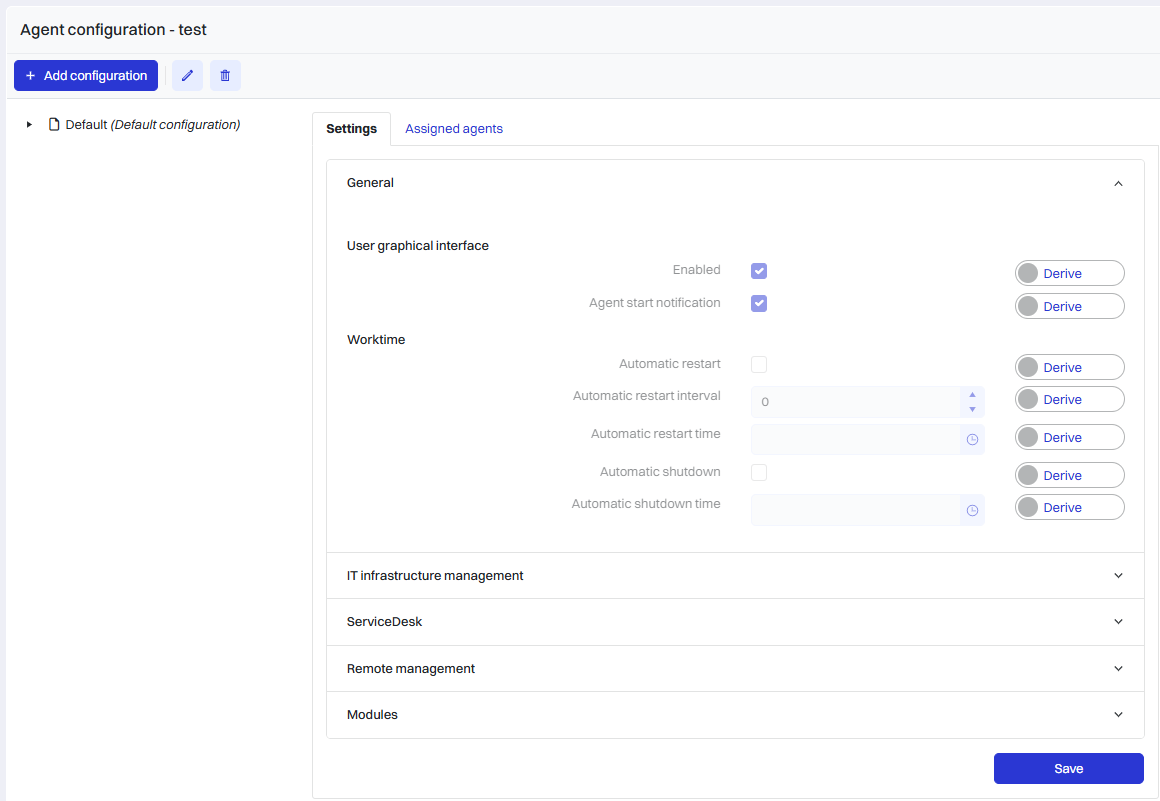
-
Automatically restart the computer every X days at a specified time
-
Automatically shut down the computer every X days at a specified time
-
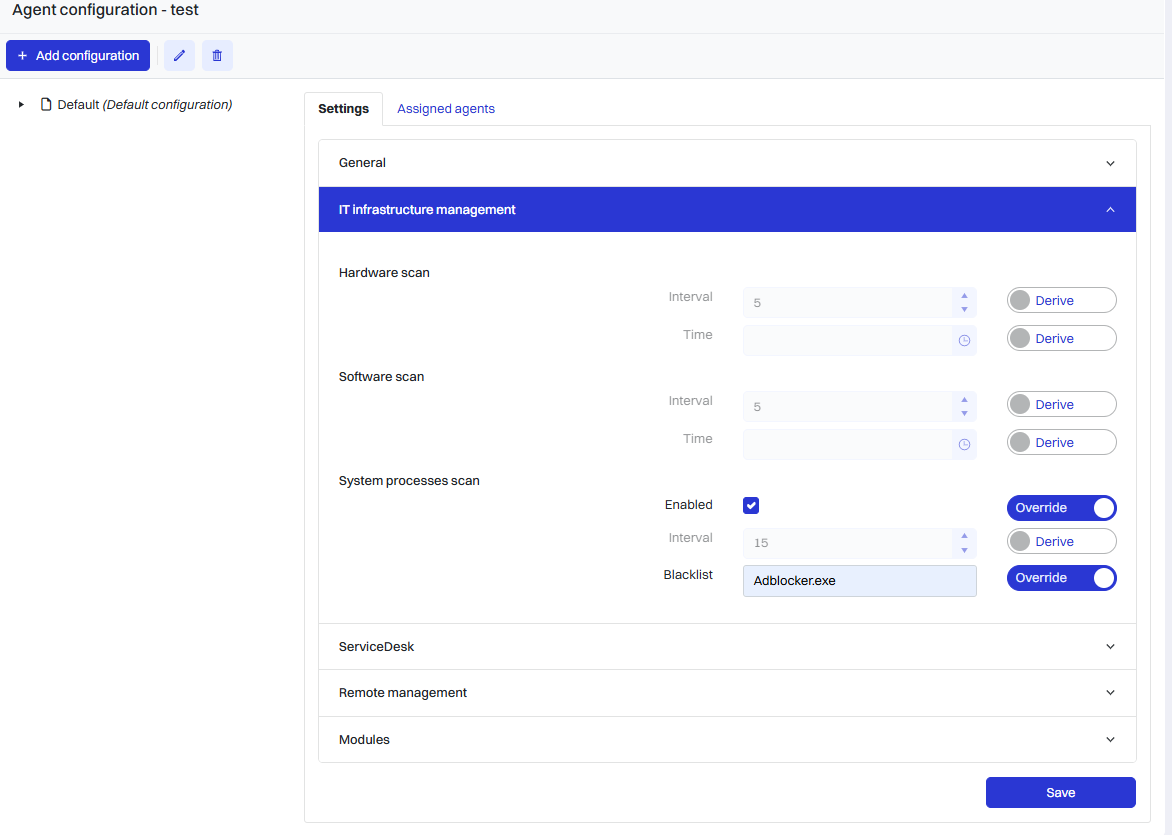
Hardware scan according to the interval
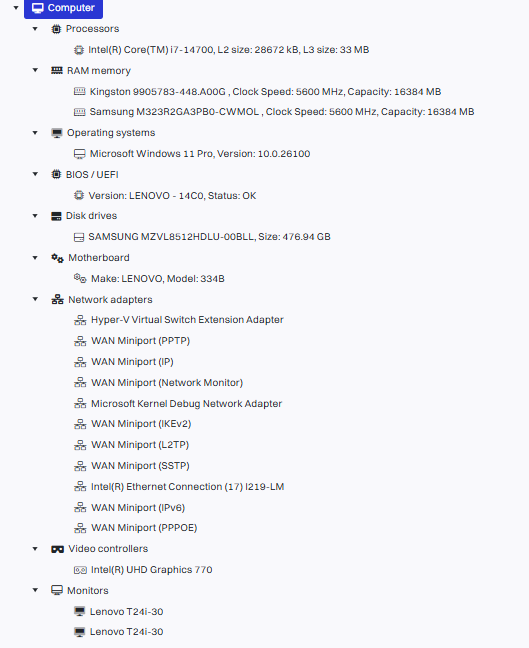
The scanner will provide information on the following hardware:
-
motherboard
-
bios
-
operating system
-
ram memory and disks
-
processors
-
monitors
-
network adapters
-
video controllers
-
Software scanning according to the interval

The scanner will provide information on:
-
software name
-
version
-
installation date taken from the registry
-
Blacklist of processes
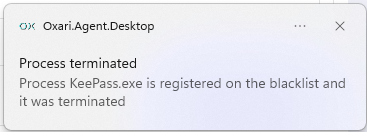
Blacklist of processes is a feature in OXARI Agent that allows an administrator to determine which processes (programs, applications, scripts) should not be run on end computers. If any of these processes are detected, OXARI will terminate the process in question and block the process from restarting.
-
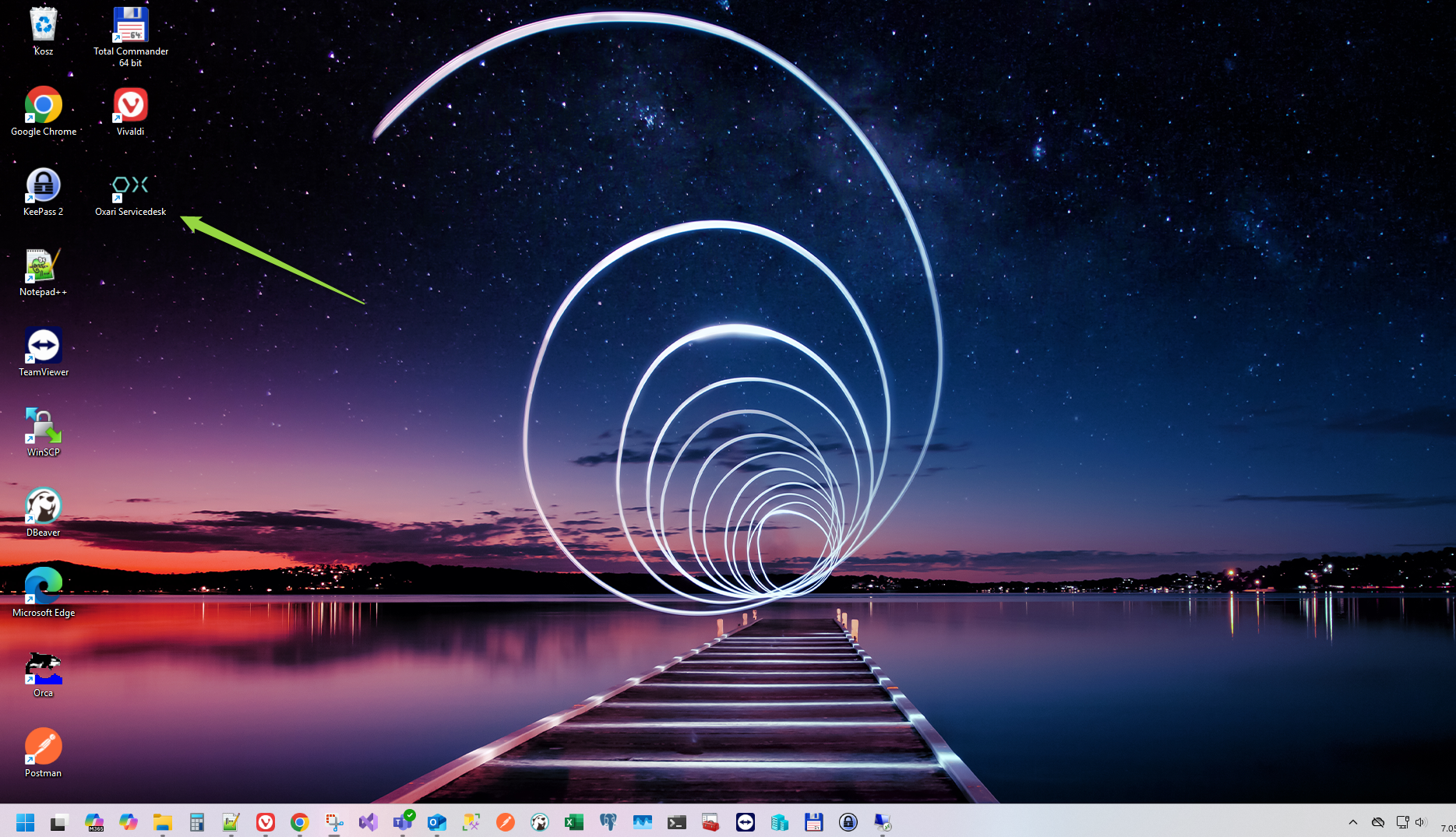
Create a shortcut to the OXARI portal on the desktop
-
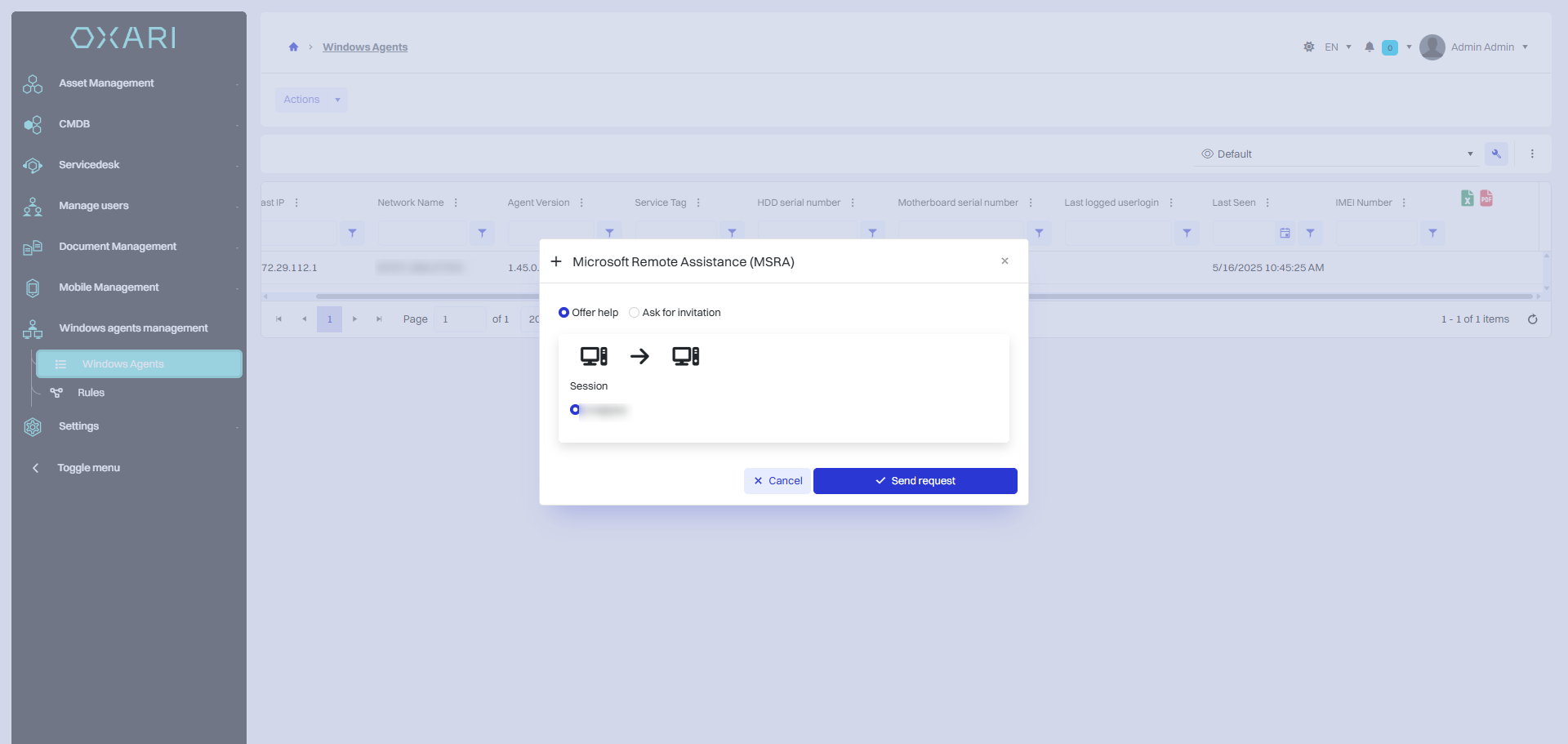
MRSA remote desktop (offering assistance/requesting an invitation)
MRSA Remote Desktop feature allows you to securely and conveniently take remote control of a user's computer for technical support. With two connection modes - offering help and requesting an invitation - the functionality supports both administrators' and end users' activities in a way that complies with the organization's security policy.
-
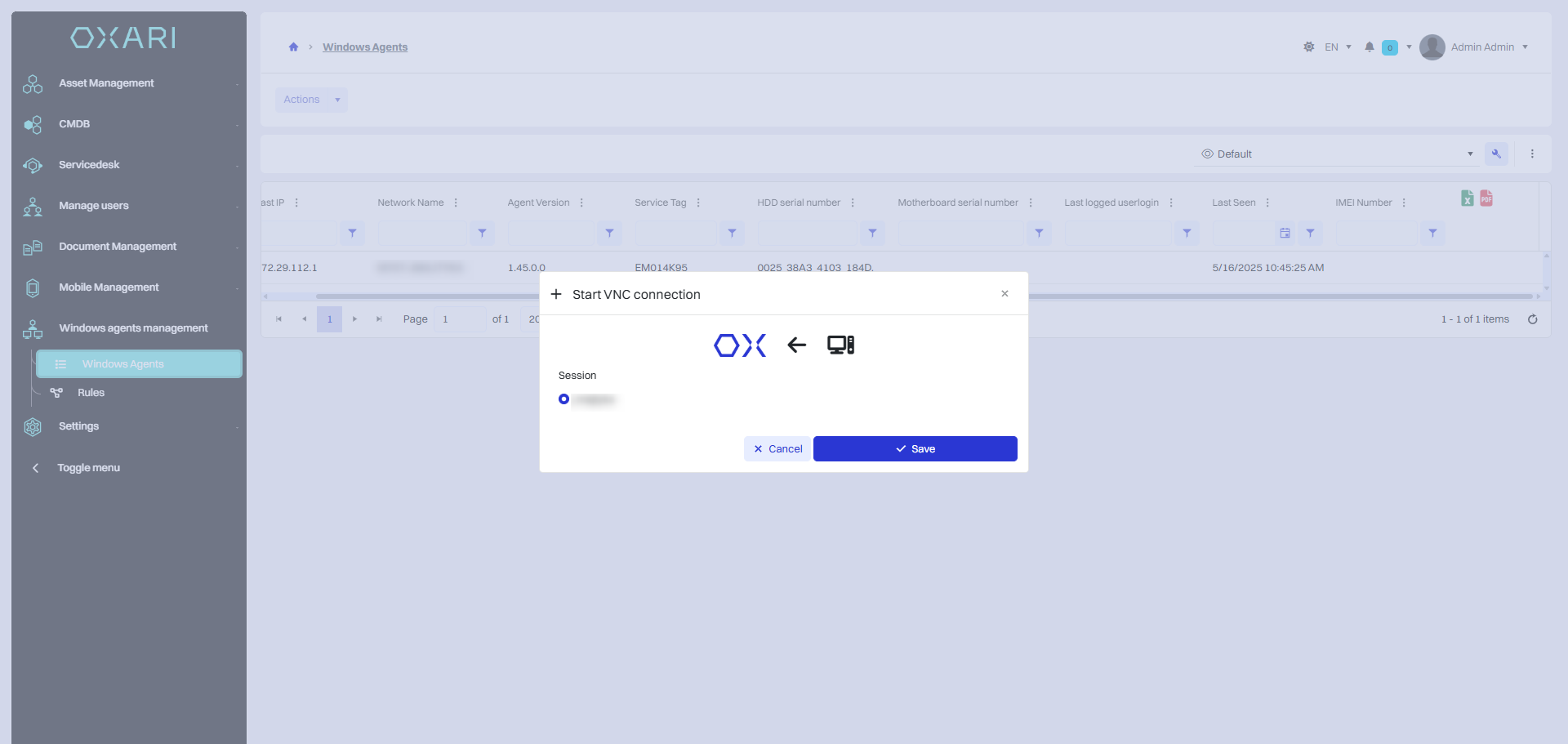
Remote VNC desktop via NoVNC
Remote VNC desktop feature via NoVNC allows access to the end computer from a web browser - without installing additional software on the client side. The solution is based on NoVNC technology, which uses a combination of VNC (Virtual Network Computing) and HTML5 to provide convenient and fast remote support.
-
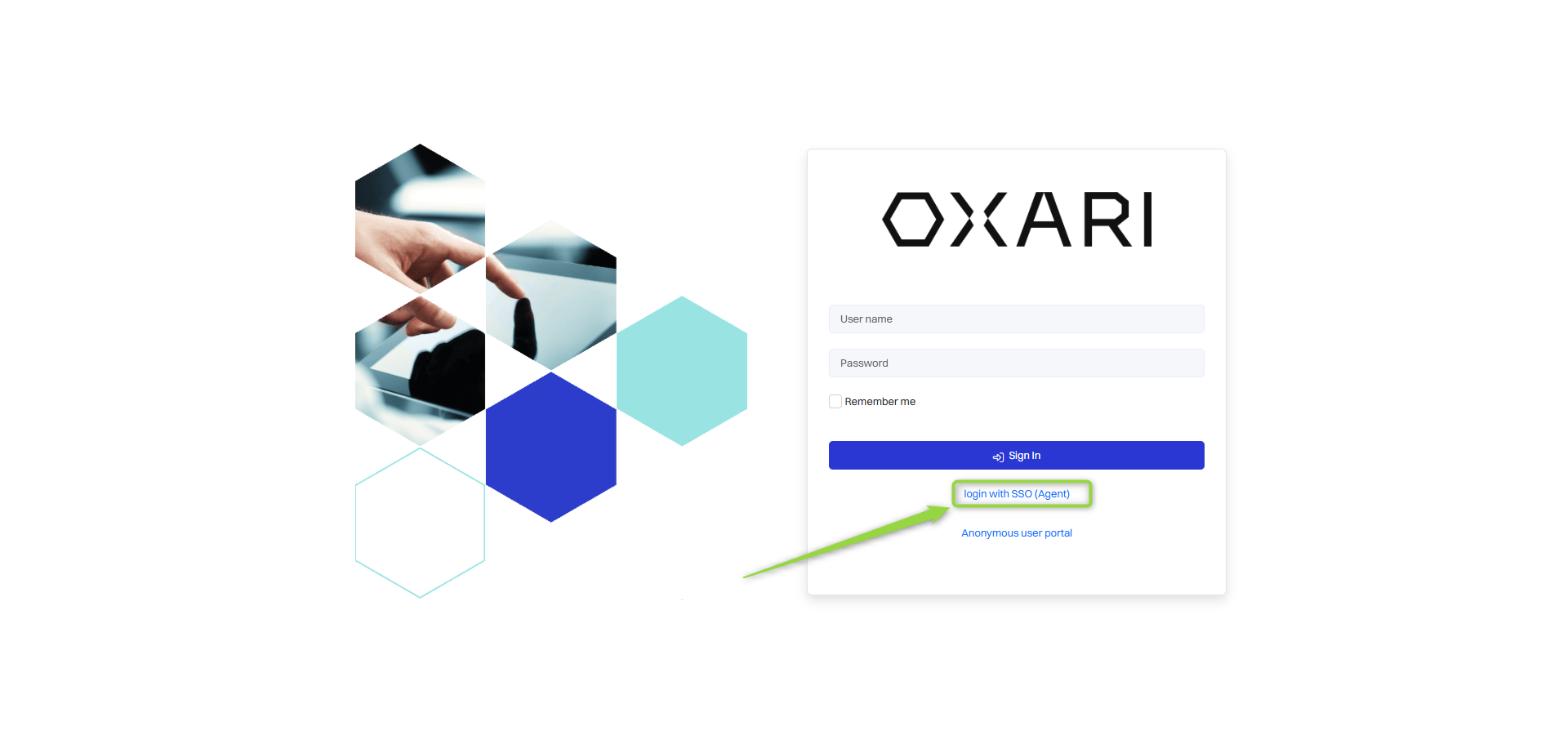
Domain authorization brokerage (multiple domains)
The domain authorization brokering feature allows users to authorize domain accounts in an OXARI system running on a third-party provider e.g. (OVH, Microsoft, AWS) without having to set up a dedicated connection between the customer's local infrastructure and the OXARI environment. It is possible to integrate OXARI with multiple domains.
-
Brokering of domain data (Active Directory).
The Active Directory domain retrieval intermediary function allows OXARI to centrally process information from one or more AD domains without having to connect directly to each domain from the main server. Instead, the role of the intermediary is taken over by an Agent that runs locally in the domain and communicates with the headquarters in a secure and controlled manner.
Example of action
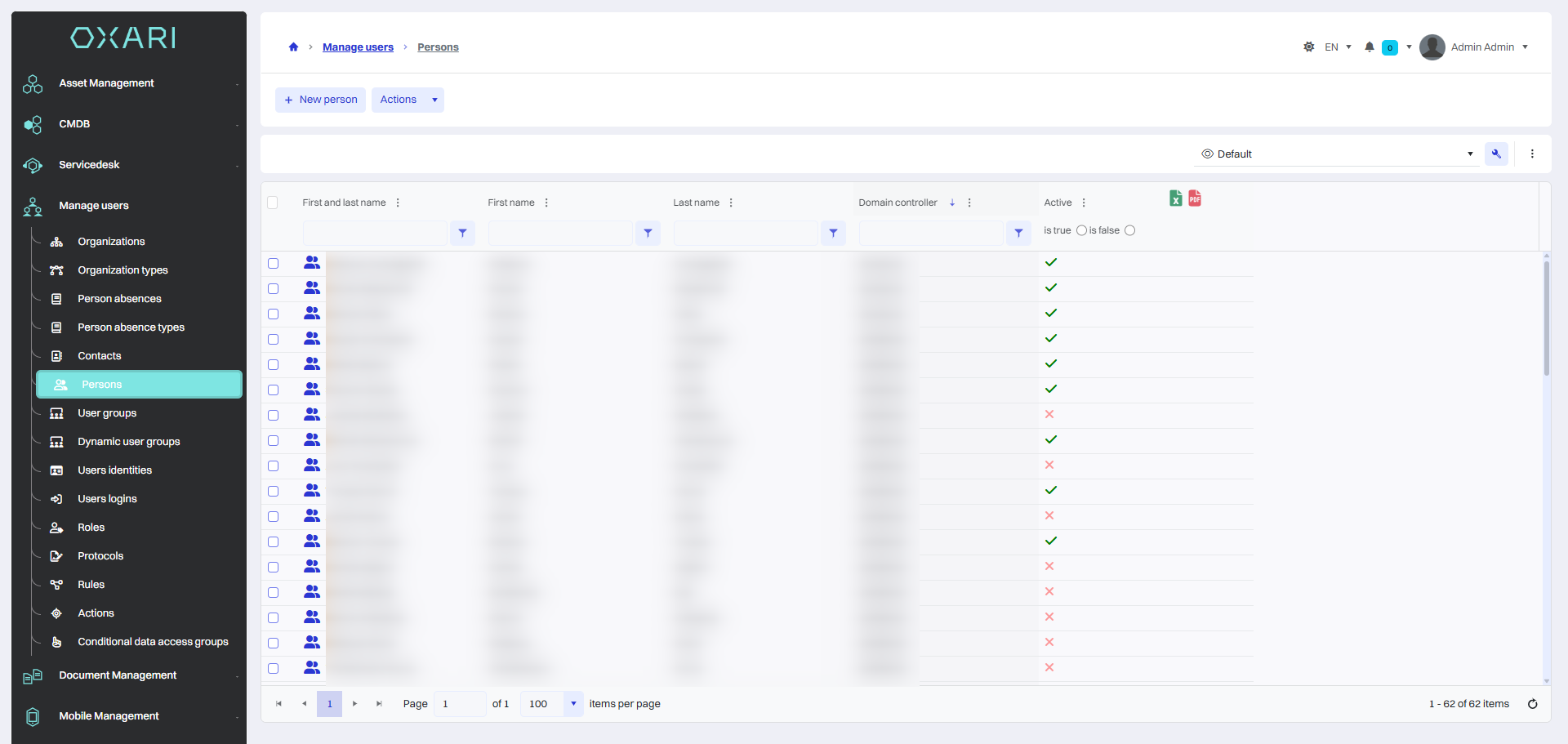
User wants to retrieve data of people from a domain
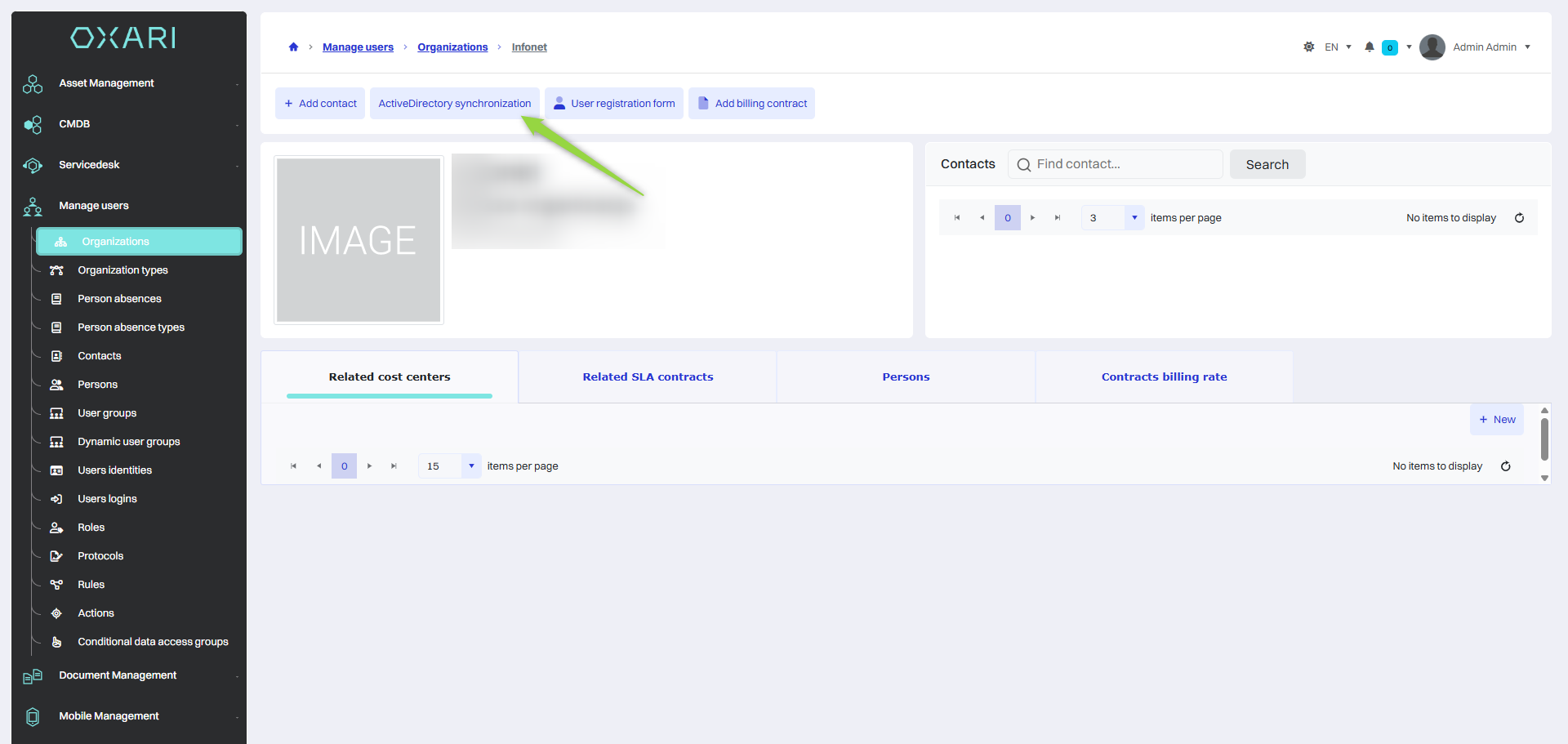
Once the domain controller is configured and synchronized with Active Directory, people's data will be downloaded to the OXARI database.
-
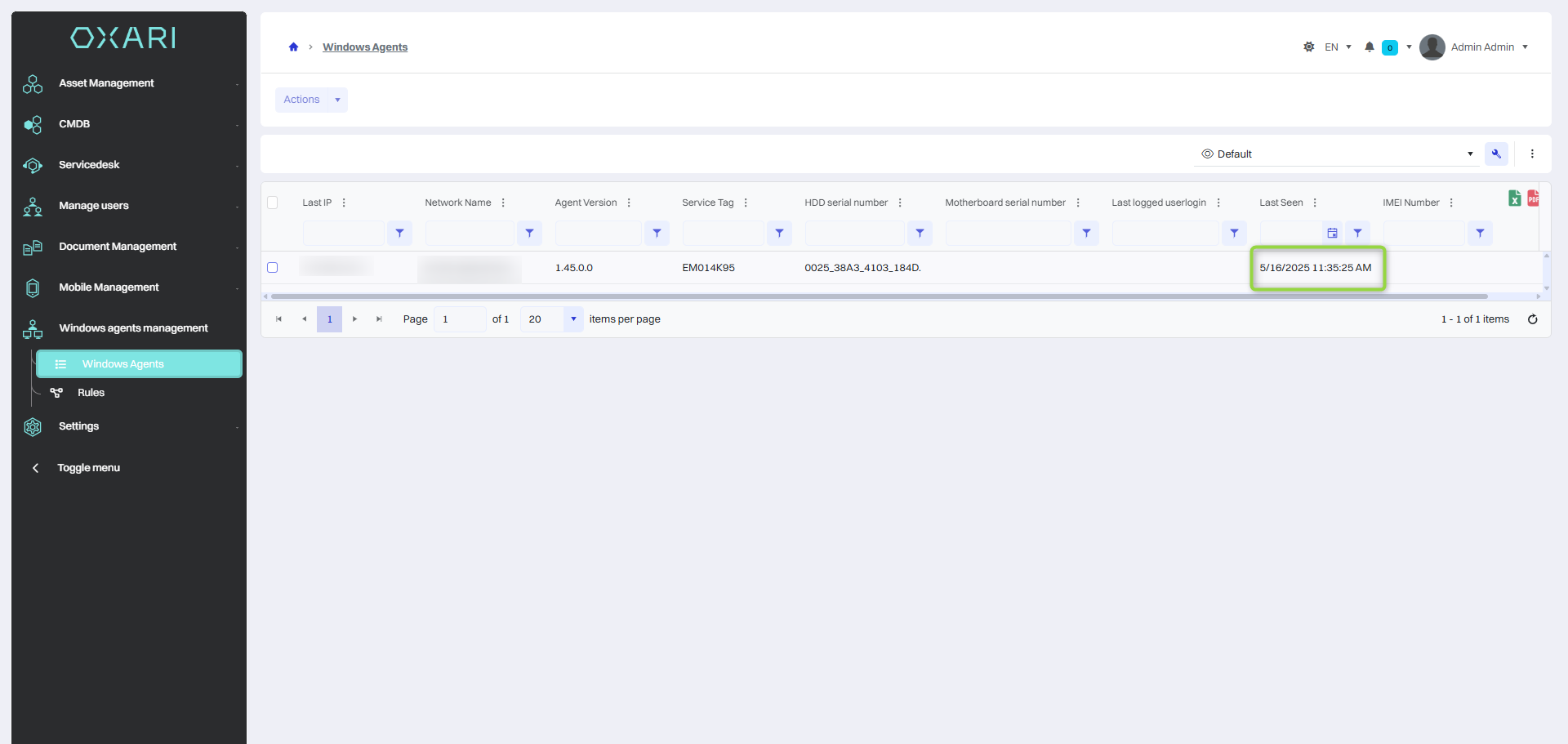
Ping function - checking the time of the last agent activity
-
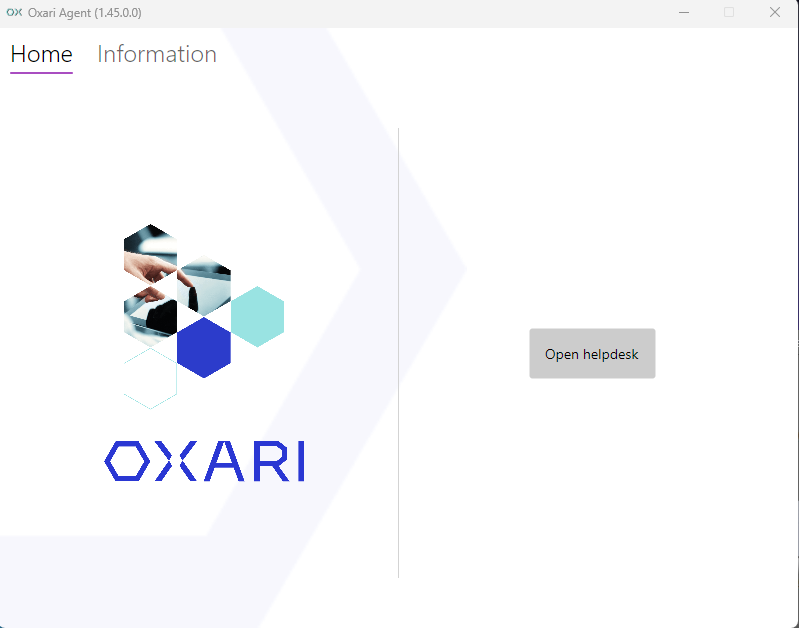
Agent GUI
The OXARI administrator can define whether there will be a simple agent Gui on devices with an agent.
-
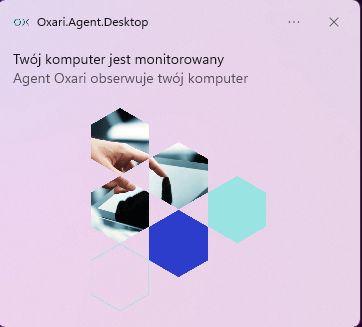
Optional Agent start notification
The OXARI administrator can define whether the notification will appear when the agent is launched.
-
Ability to assign configuration and inherit its parameters
The OXARI administrator can assign a configuration for any agent, these configurations support the parameter inheritance mechanism, which greatly simplifies the management of large environments.
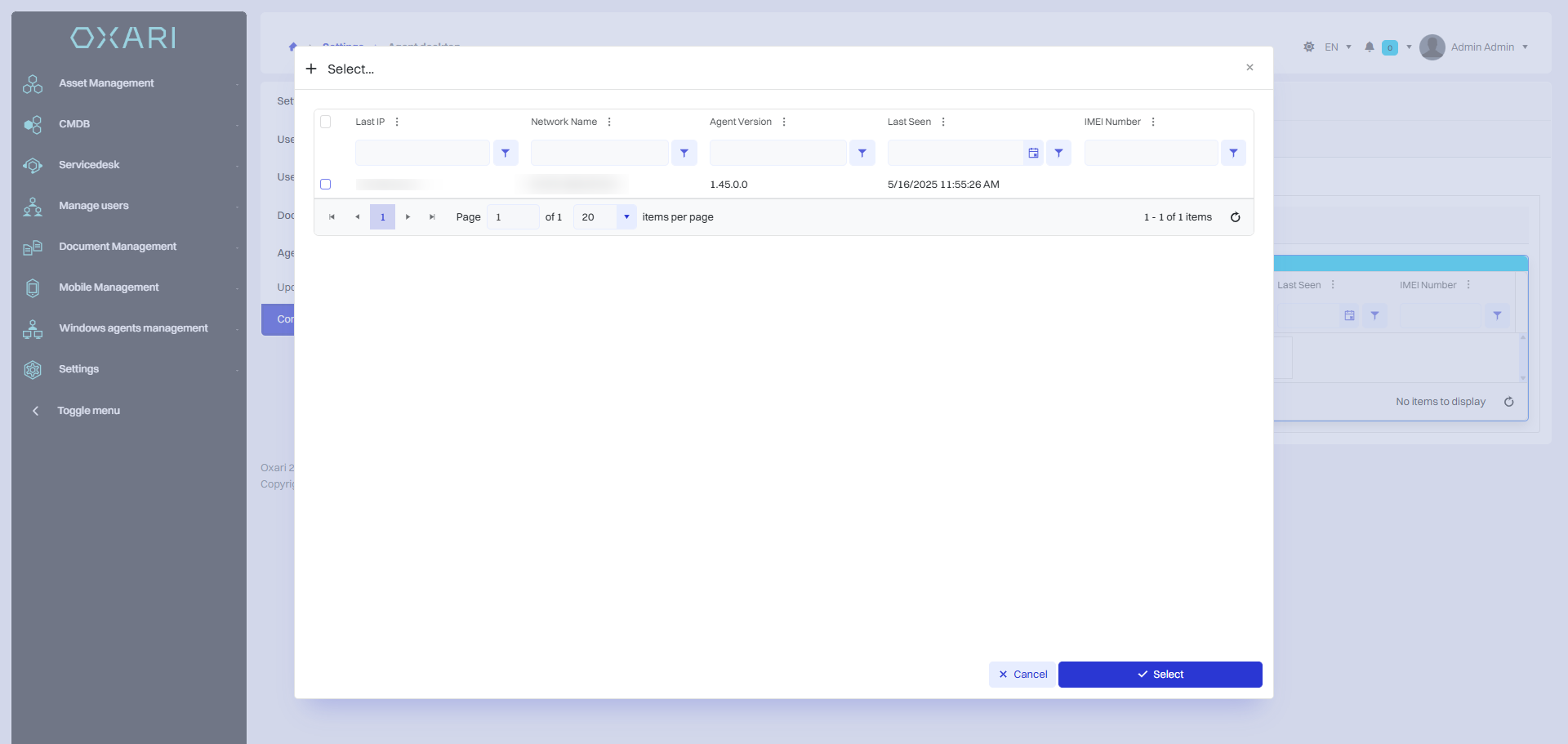
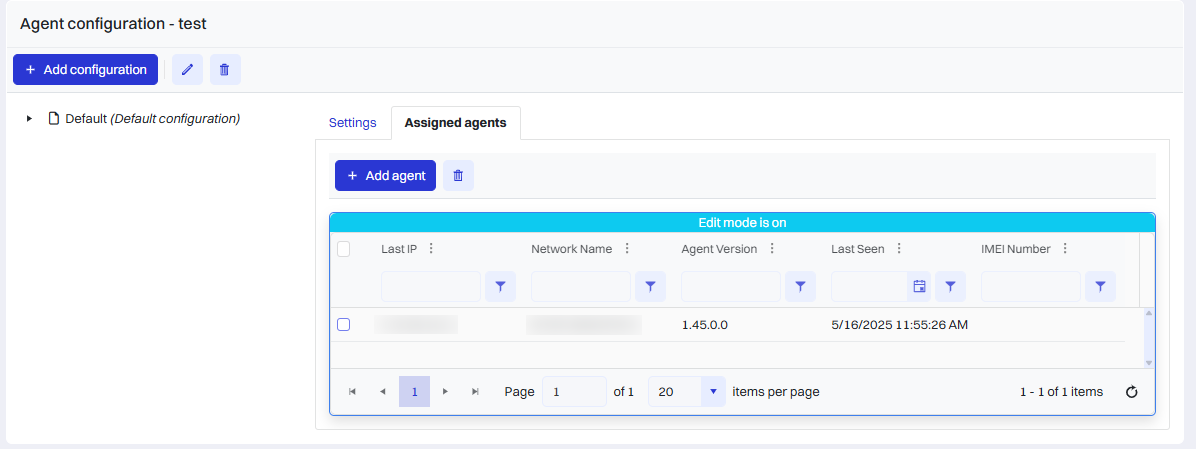
Sample agent configuration that overwrites the main configuration for all agents