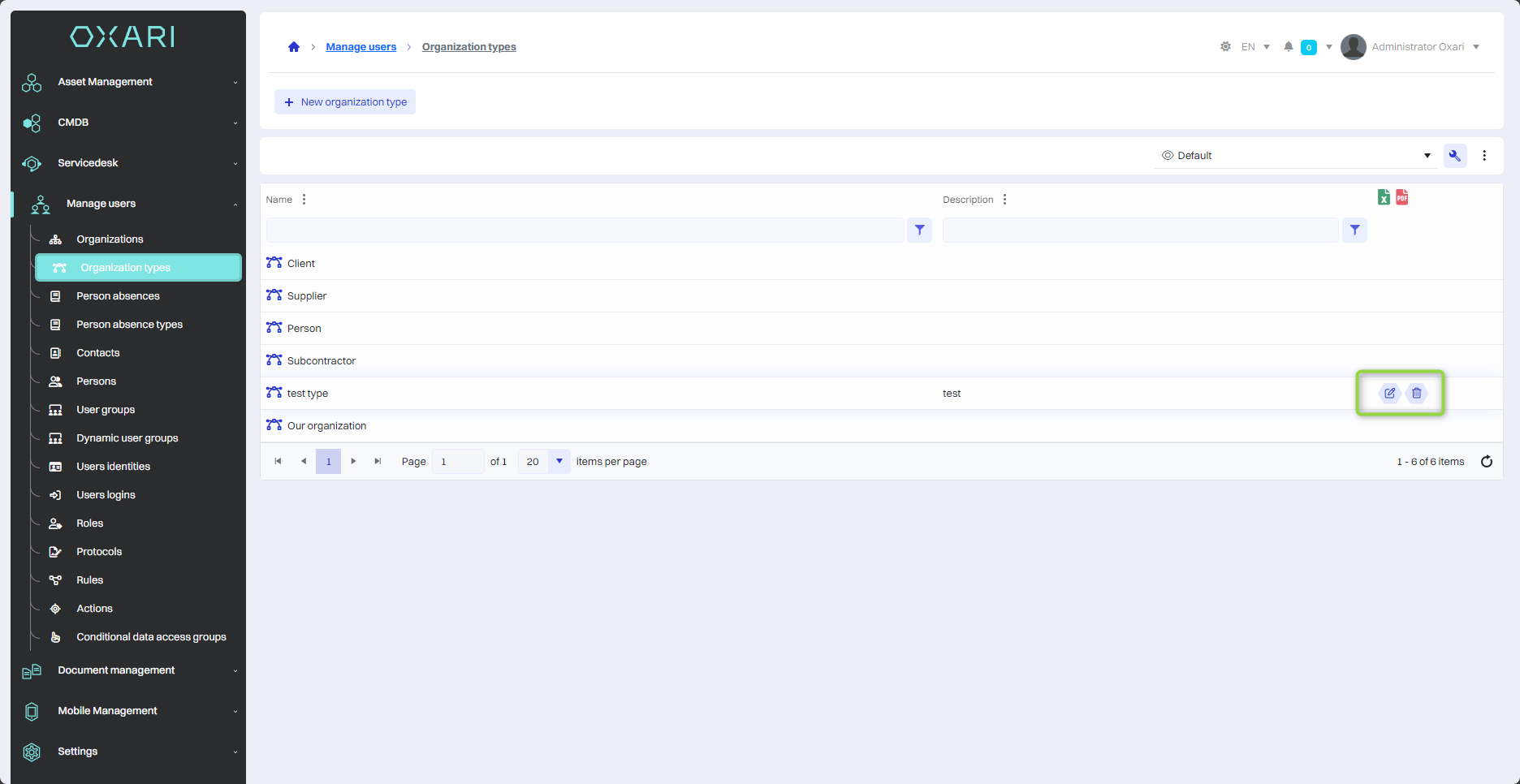
In the OXARI system, the "Organization Types" section allows you to categorize entities according to their business function. The standard categories are: Supplier, Individual, Owned Business, Subcontractor and Customer. The system offers flexibility by also allowing you to define additional personalized organization types. Organization types are used when adding a new organization under User Management > Organizations.
More about the organizations: Go >
New organization type
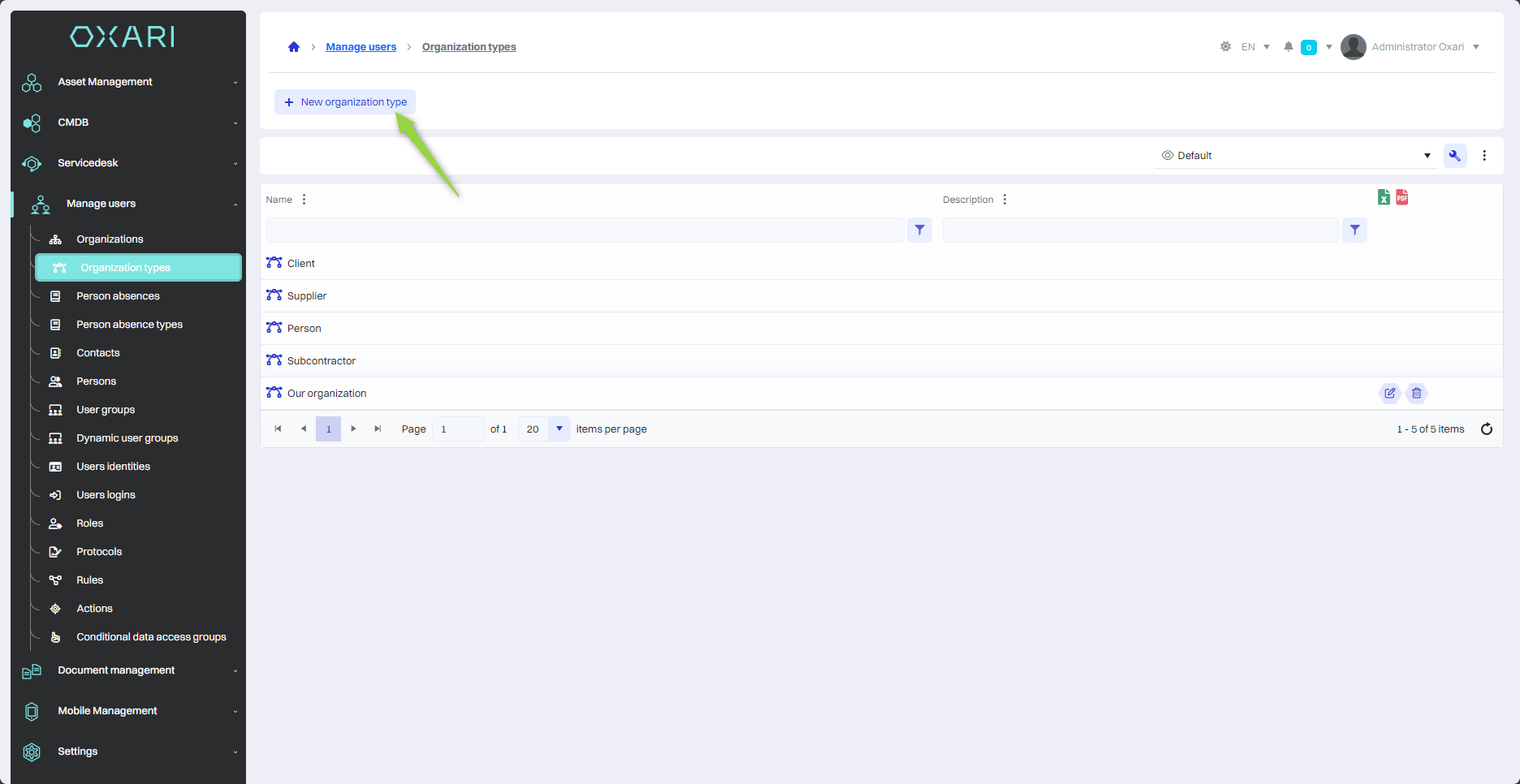
To add a new organization type, go to User Management > Organization Types, and then click the "New Organization Type" button.
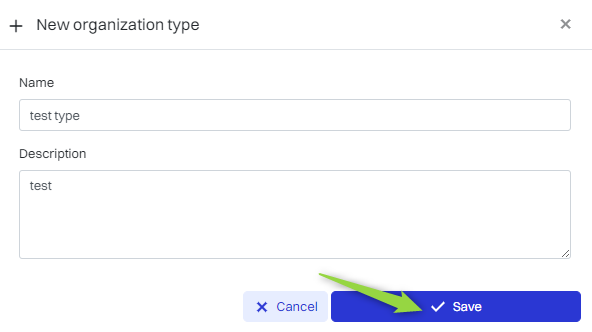
Then, in the "New Organization Type" window, fill in the desired fields and click the "Save" button.
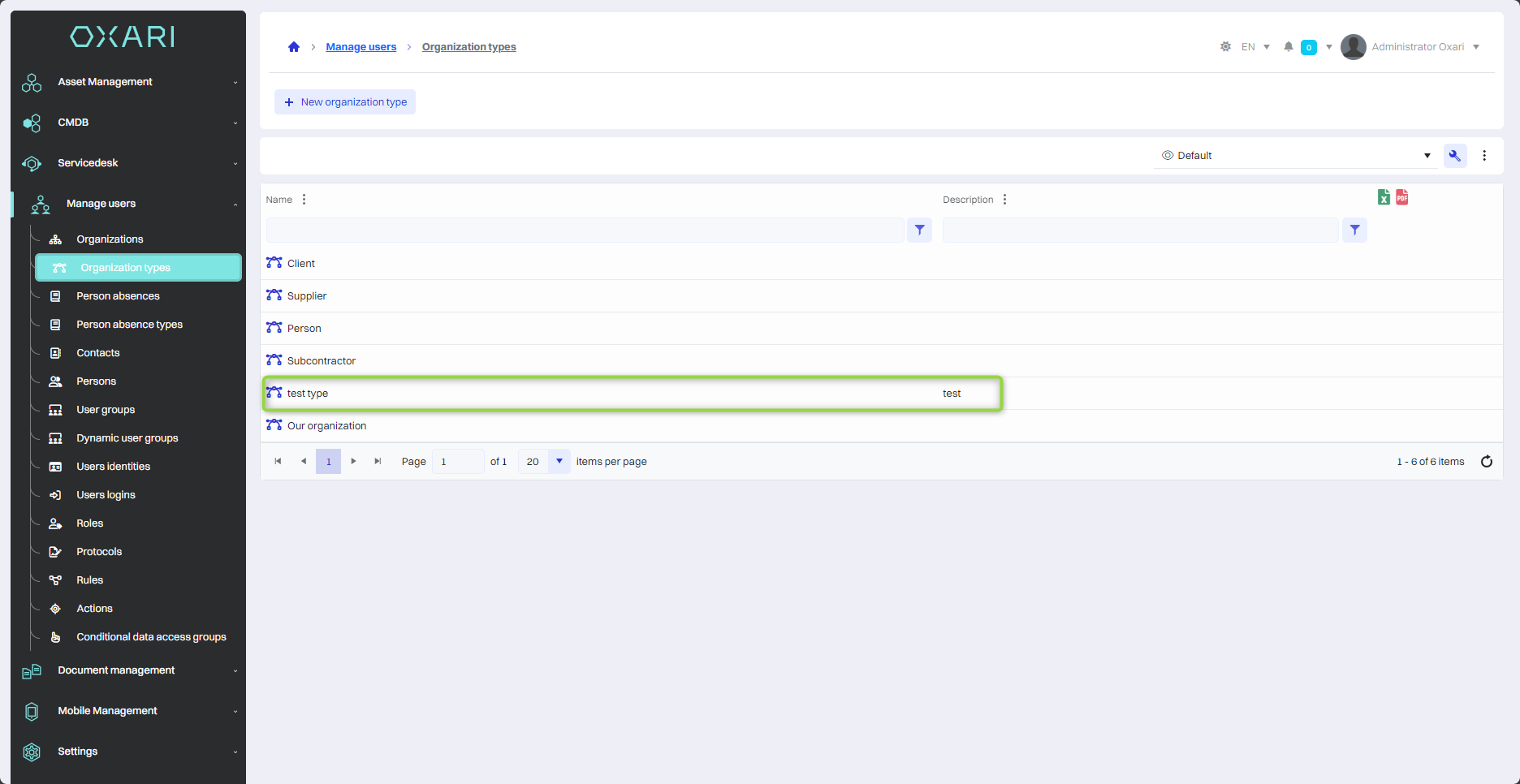
The organization type will appear in the list:
Editing/Deleting
To edit or delete organization types, go to User Management > Organization Types. Hover over the desired organization type. The edit/delete buttons will appear.