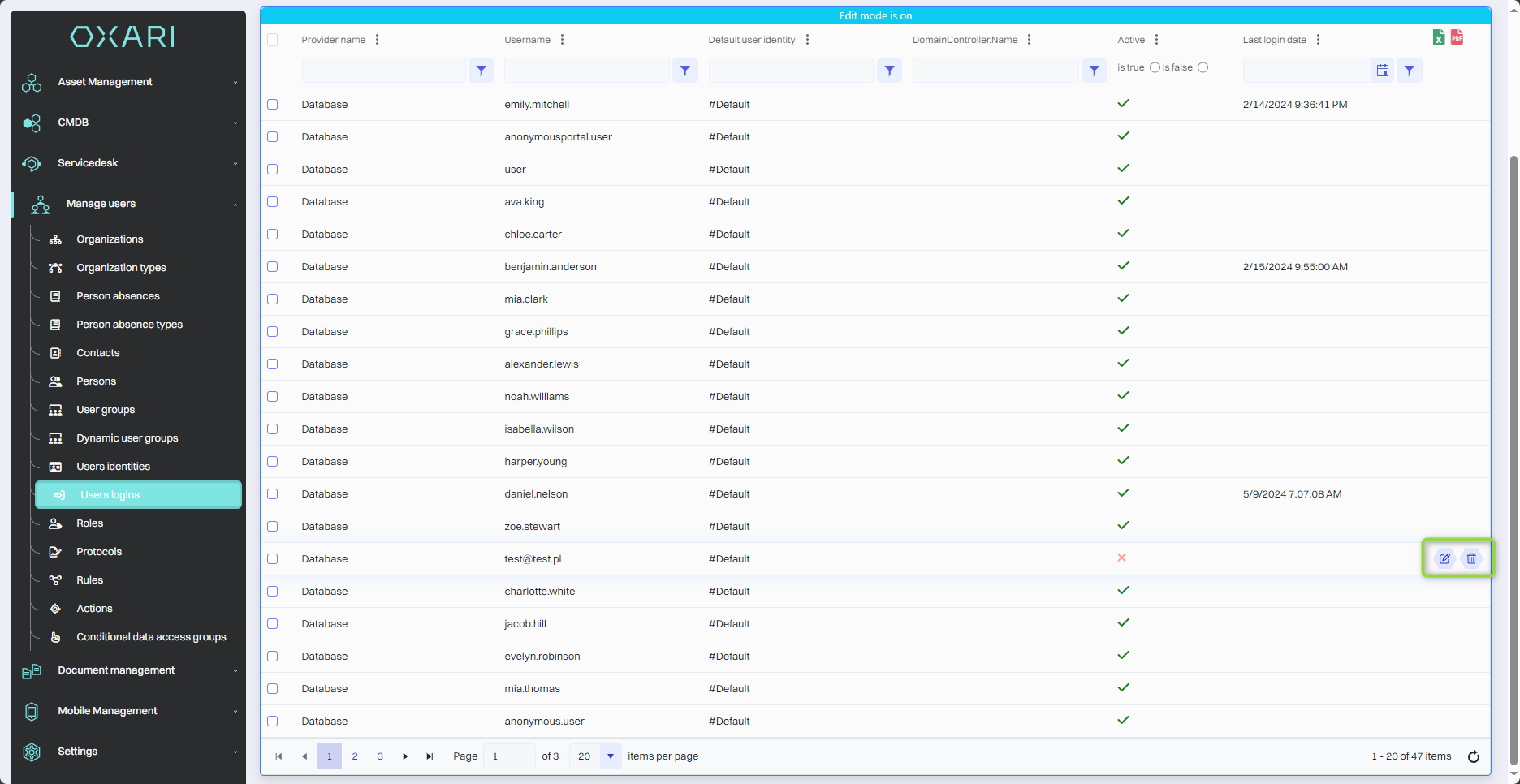
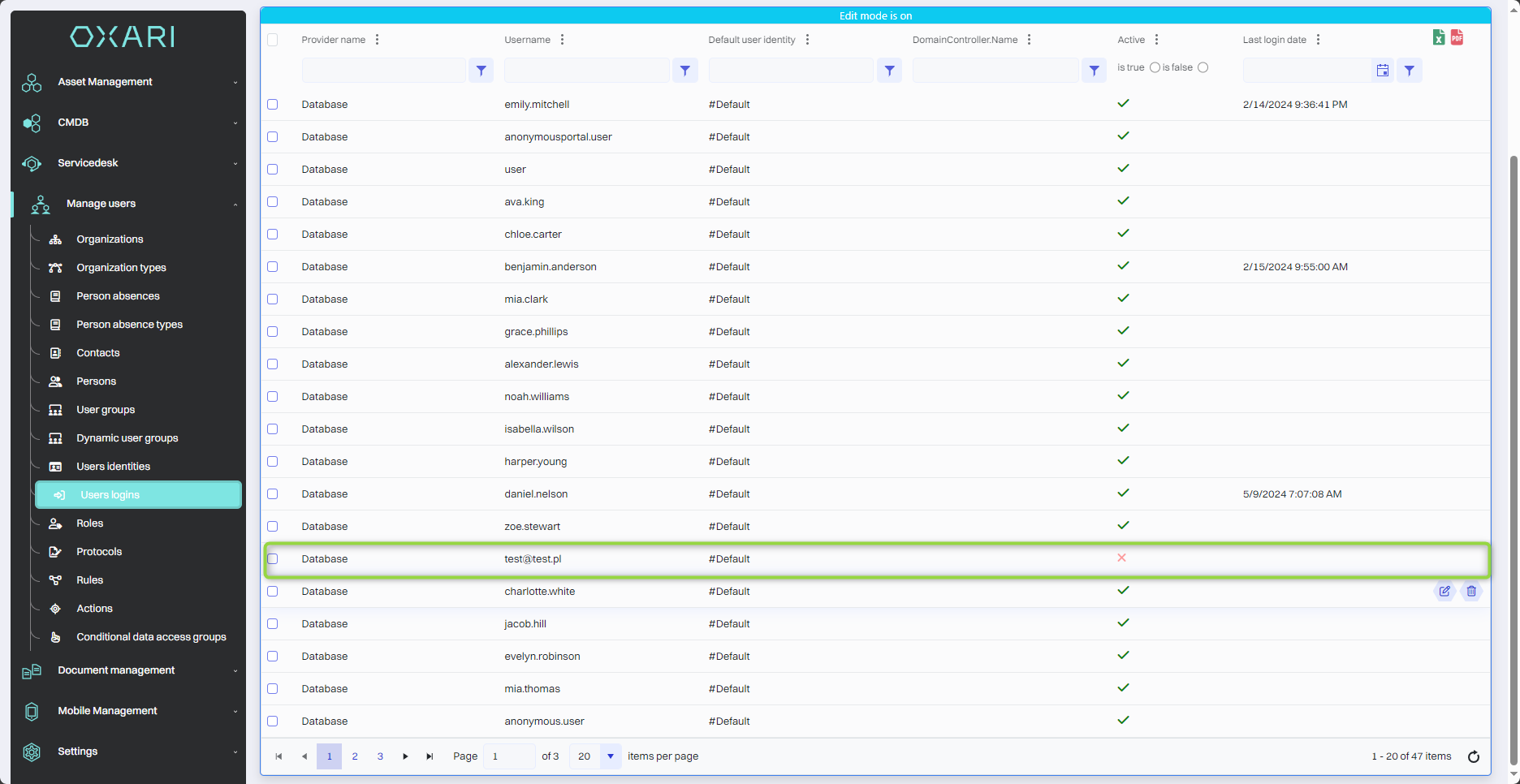
The "User Logins" section shows a list of user accounts with their logins, default identities, activity and last login dates. A user login, which is a unique identifier, is created when a new person is set up in the system. Each login is associated with an identity. The "Active" column marked with "✔" indicates whether the account is currently active. The "Last" login date column provides information about the user's last activity in the system.
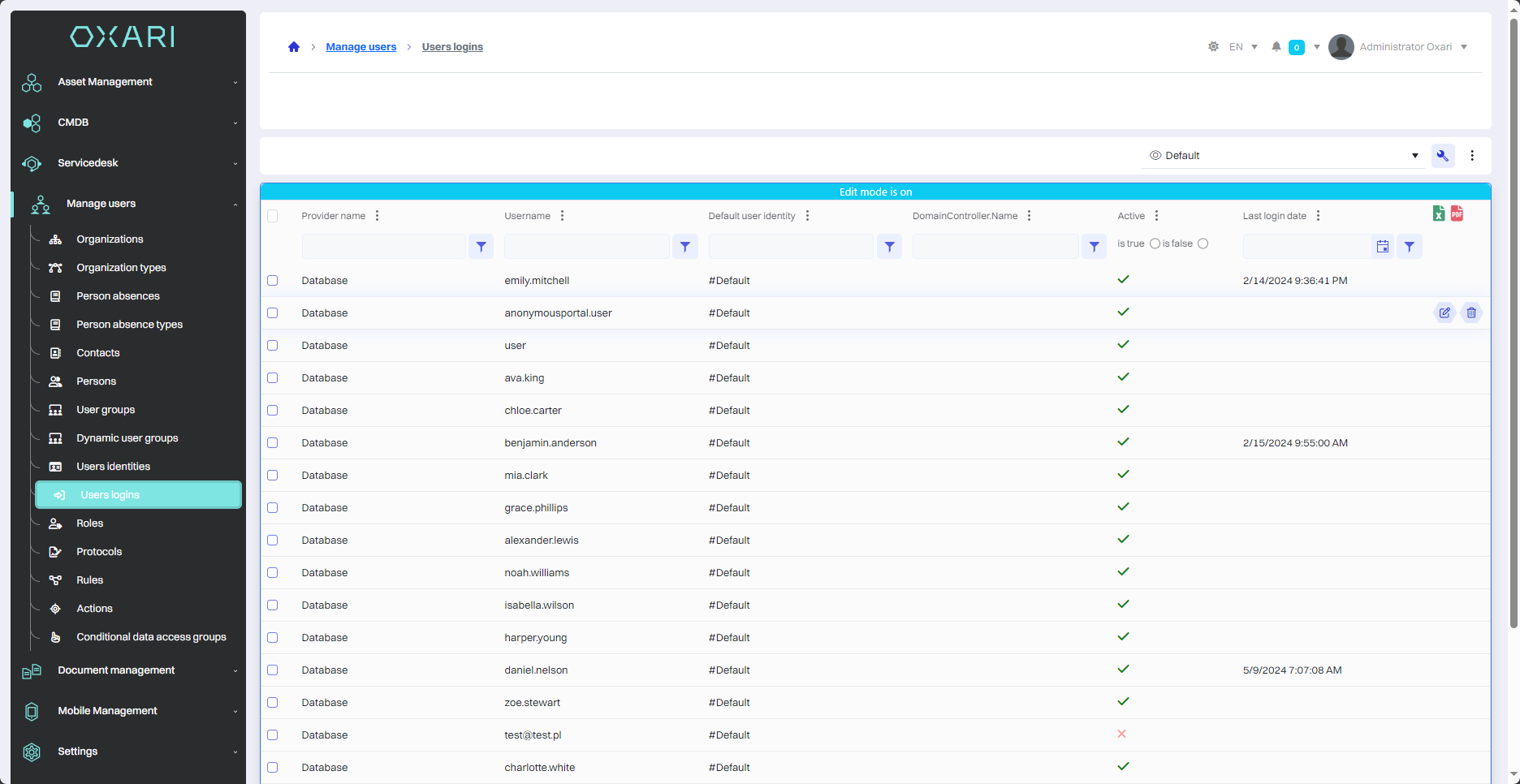
Edit login
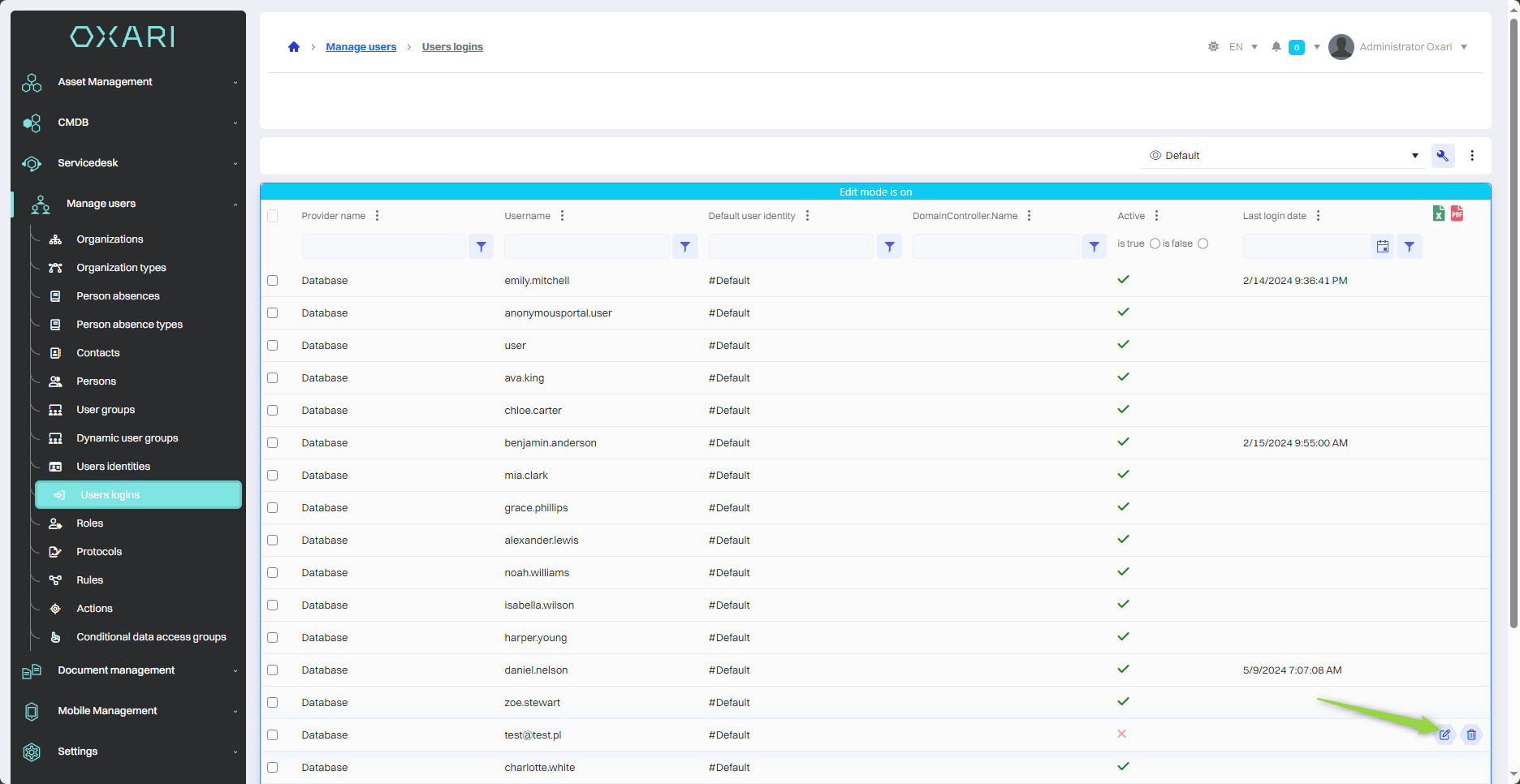
To edit a login, go to User Management > User Logins, then use the "Edit" button next to the desired login.
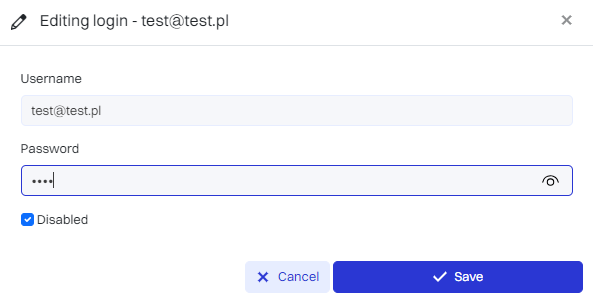
Next, the "Edit login" window contains the following items:
|
1 |
User name - The field where the current user name is displayed can be changed. |
|
2 |
Password - A text field used to enter or change the password for a user account. |
|
3 |
Inactive - Checkbox that, when checked, indicates that the user account is inactive. Inactive accounts do not have access to the system. |
After filling in the desired fields, click the "Save" button.
The given login has been updated.
Deleting a login
To delete a login, go to User Management > User Logins, then use the "Edit" button next to the desired login.